
File Storage
Modern object storage, built for teams
Upload files, decide what's public and what's private, and give your organization a single role-based place to manage storage — no FTP client, no shared passwords, no surprise bills.

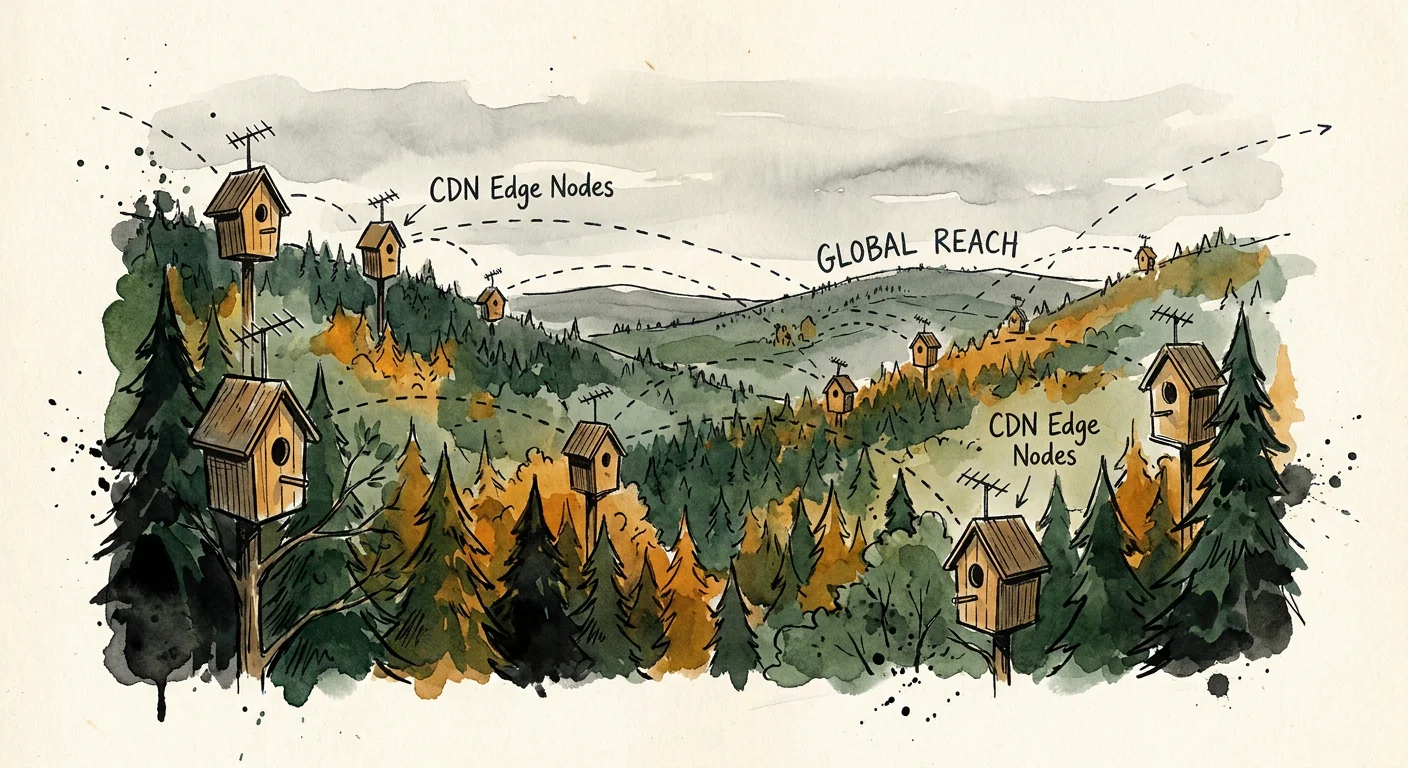
CDN-backedPublic files served from our global CDN
Role-basedBucket permissions by role, not individual
10 GB freeIncluded with every plan
No CLI neededUpload and manage from the dashboard
Storage built for teams, not just servers
The same platform serves both your CDN-delivered public assets and your role-locked private files — with one dashboard for everything.
Use cases
What teams actually store
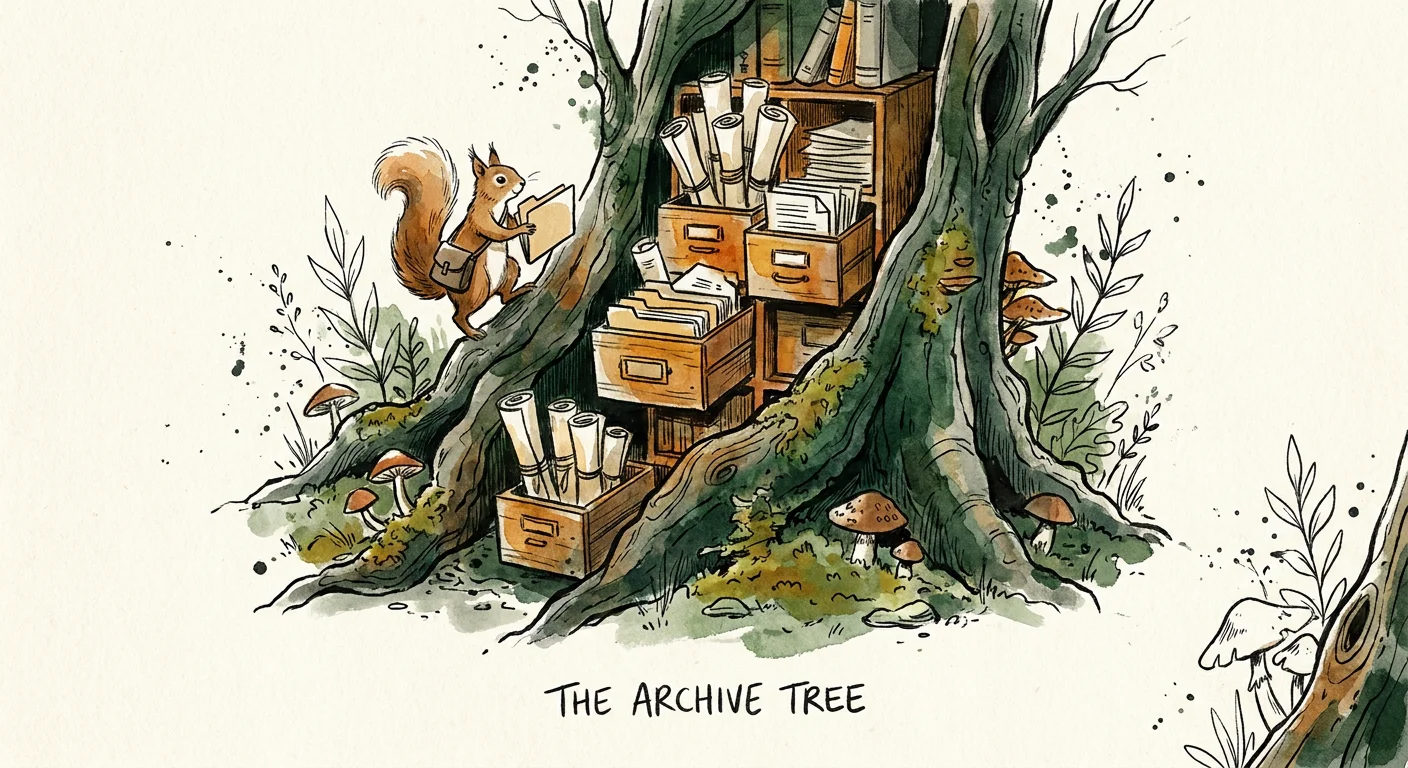
File Storage handles both sides of the problem — the assets you want the world to see and the files you don't.
How it works
From upload to access-controlled storage in minutes
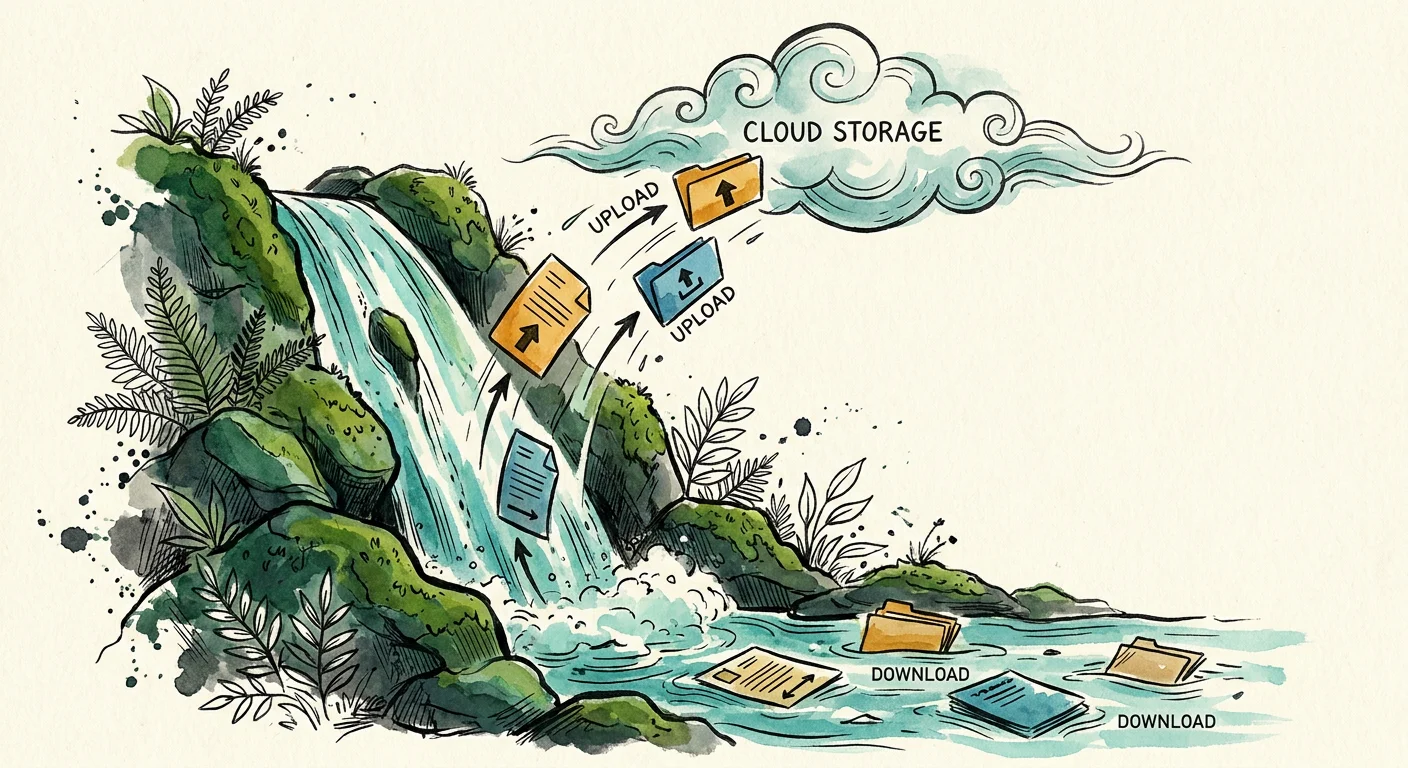
No infrastructure to configure — create a bucket, set your roles, and start uploading.
Pricing
Simple, transparent pricing. Upgrade or downgrade at any time.
Monthly
Yearly
Standard
$150 /mo
- Public & private buckets with CDN delivery
- Bucket-level role-based access control
- 10GB storage / 20GB bandwidth included
- Overage: $0.250/GB storage, $0.18/GB bandwidth
Ready to modernize your file storage?
Tell us about your team's storage needs and we'll help you get your first bucket set up on Deep Woods.